
Managing Store Orders
Once your Mini Store is live and customers start building carts and checking out, you need a centralized place to track those multi-item orders.
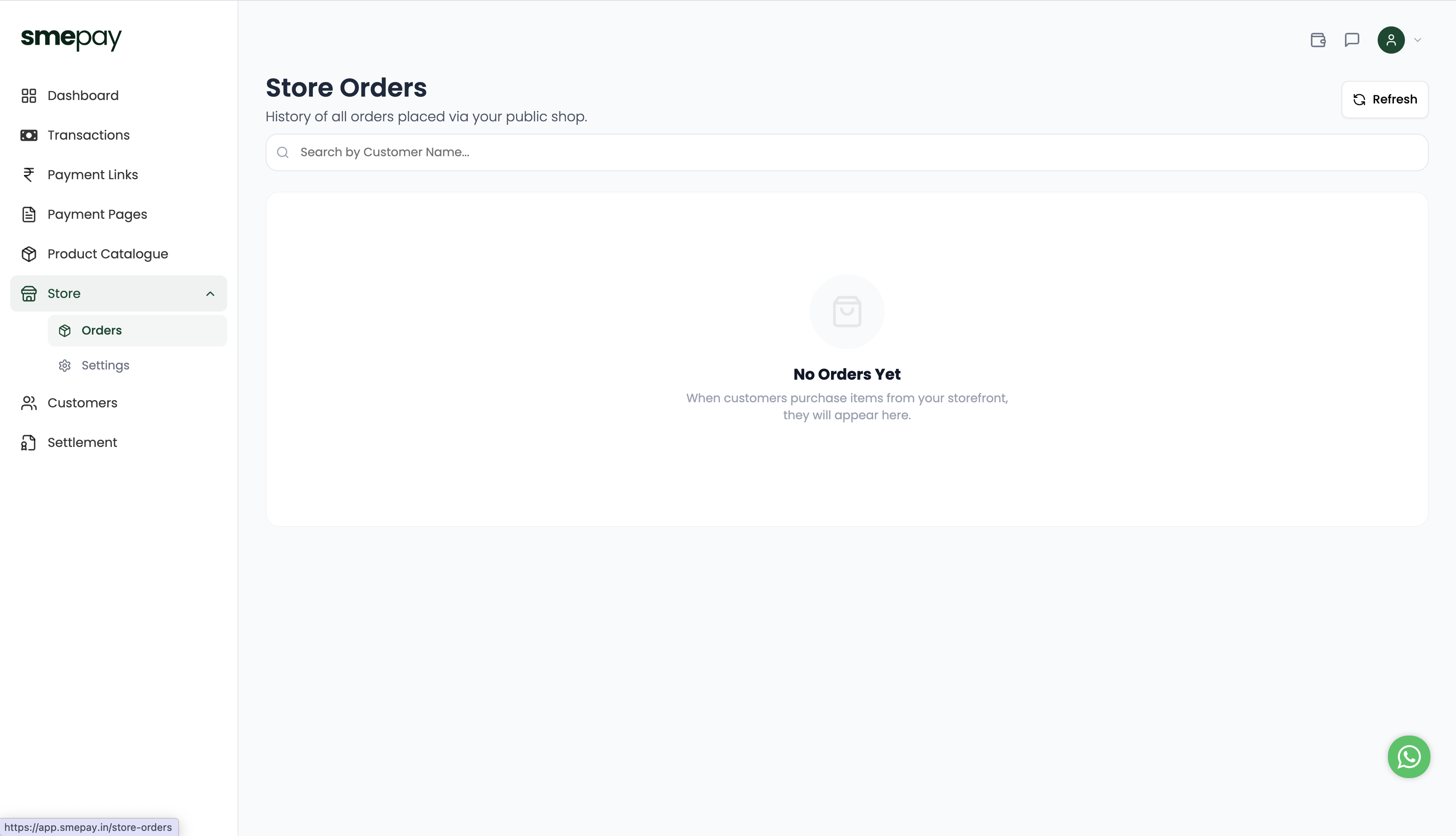
Accessing Store Orders
From your main Dashboard sidebar, click the Store dropdown and select Orders.
This dashboard provides a complete history of all orders placed specifically via your public shop.
Tracking and Fulfillment
Unlike the Product Catalogue orders (which track single-item links), the Store Orders dashboard is designed to handle cart-based transactions.
- You can use the search bar to quickly find an order by the Customer Name.
- Each order will contain the complete list of items they added to their cart, making pick-and-pack fulfillment incredibly easy.
- Since shipping details are collected at checkout, you have everything you need to ship the order immediately.